


Product Detail
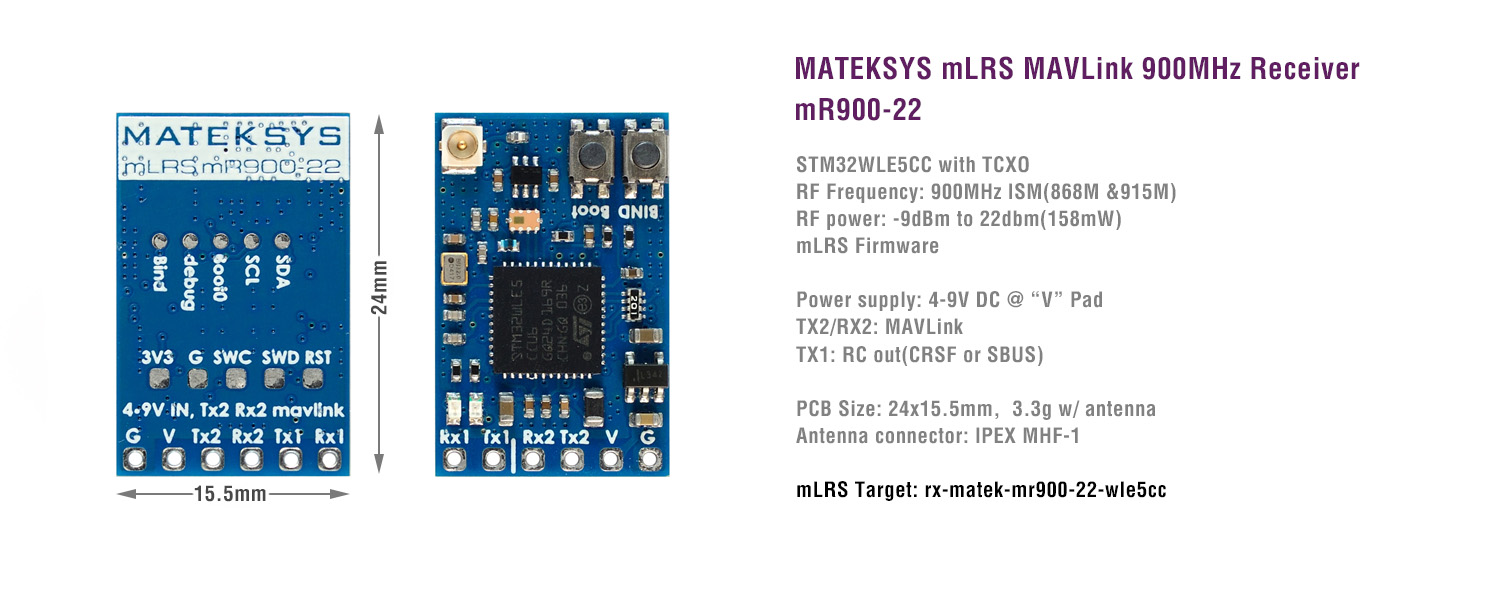
Product Parameter
Download STM32CubeProgrammer from ST website
mLRS firmware:
- https://github.com/olliw42/mLRS/tree/main/firmware/pre-release-stm32
- Targets: rx-matek-mr900-22-wle5cc-xxx
————————————————————————————————————
Connect the mR900-22 to USB-TTL module (e.g.CP210x, FTDI)
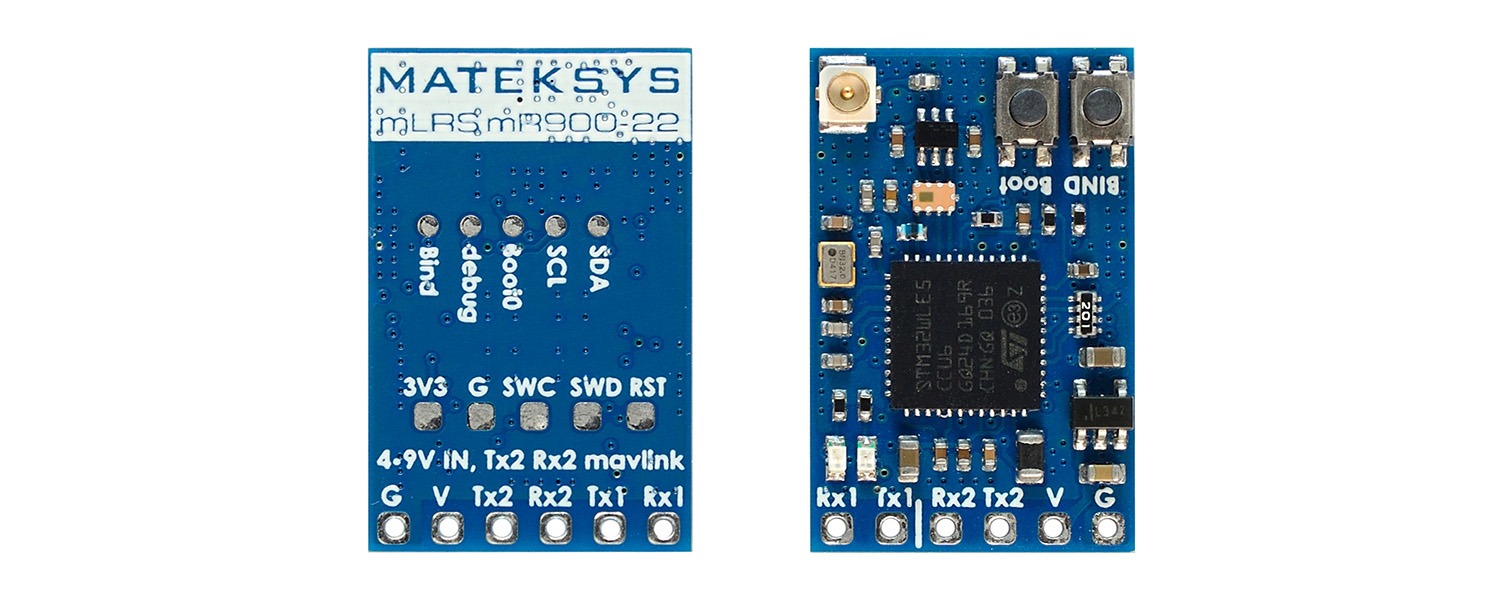
- mR900-22 RX2 — USB-TTL module TX
- mR900-22 TX2 — USB-TTL module RX
- mR900-22 V — USB-TTL module 5V
- mR900-22 G — USB-TTL module GND
Connect USB-TTL module to computer while holding the receiver boot button in.
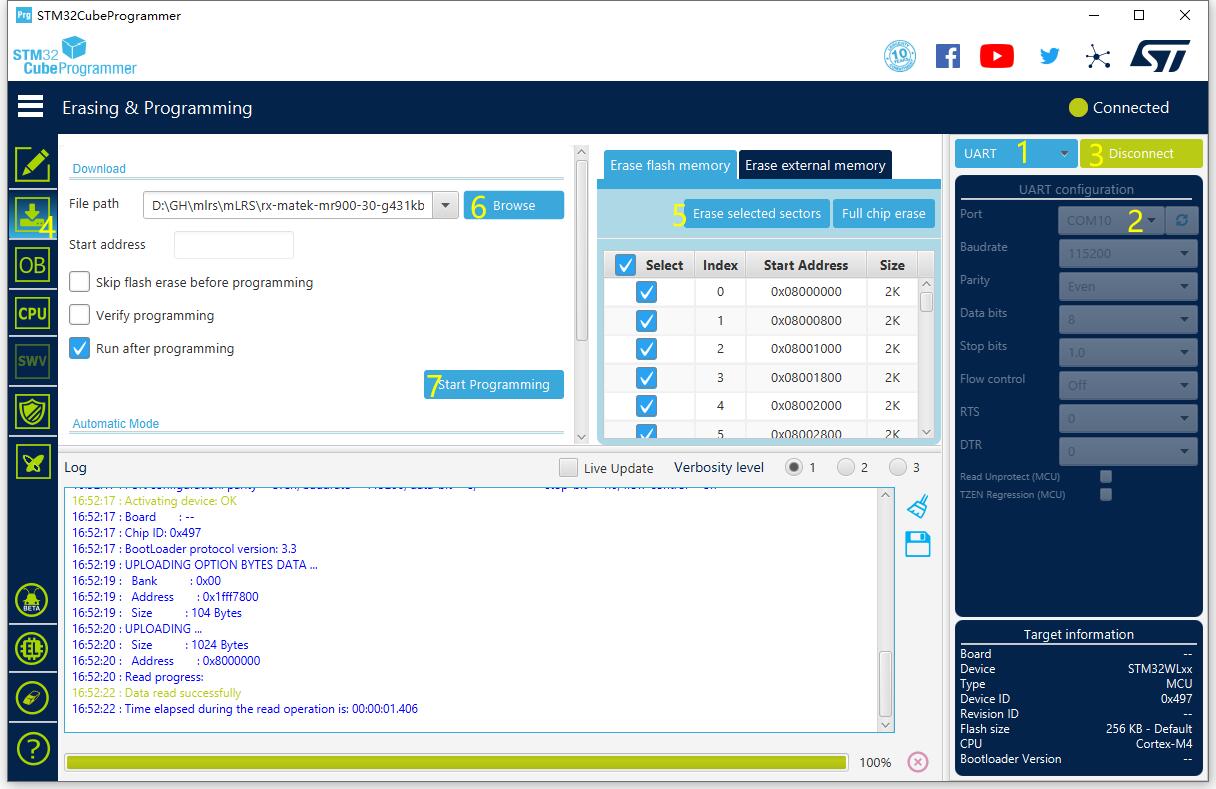
- Select UART
- Select the COM port of USB-TTL module
- Connect
- select “Erasing & Programming”
- Tick all sectors and click “erase selected sectors”
- Browse firmware (hex or bin file) related to the hardware.
- Click “Start Programming”
- After programming, unplug USB and plug USB back in. If red LED blinks at 2Hz, the receiver is waiting for connecting with transmitter.